
Technology
Top GIF Background Remover Tools for Designers and Creators

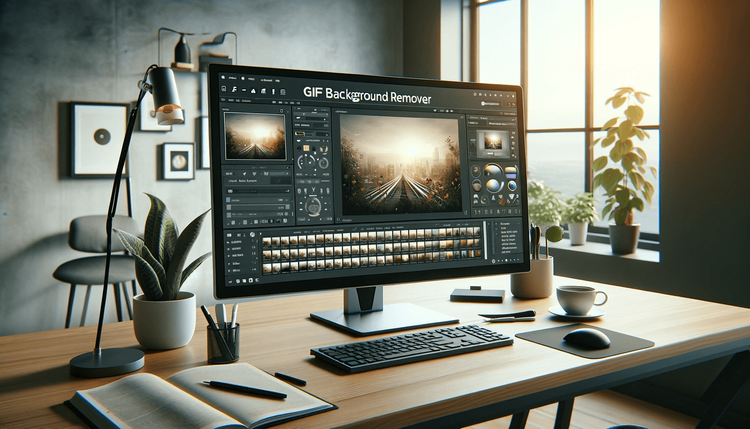
GIFs are amongst the most popular formats in digital communication. GIFs are the primary element of marketing visuals and animations, on social media, and in website design enhancements. They loop and are more engaging than still images, But will not load the site down and are suitable to use instantly on the web. But dealing with GIFs can also not be easy, particularly when it involves eliminating backdrops. GIFs have multiple images, unlike regular images, making it more difficult to edit. If a single frame is wrong, it will affect the entire animation.
Why GIF Background Removal Matters in Modern Design
GIFs are often used in environments where transparency is essential. For instance, if you’re an animator, you might want a character to hover above a website banner; or if you’re a marketer, you might want a product GIF to sit perfectly on top of a promotional video.
When a background is present, it limits flexibility. The GIF becomes harder to reuse across different platforms or designs.By using tools that can remove gif background, creators gain more freedom. A transparent GIF can be placed anywhere without visual interference, making it far more versatile for branding, UI design, and digital storytelling.
The Challenge of Editing GIFs Manually
Traditional GIF editing requires working with each frame individually. Designers often have to:
- Separate frames from the GIF
- Edit or mask backgrounds manually
- Ensure consistency across all frames
- Reassemble the animation without glitches
Even experienced designers find this process time-consuming. Small errors can lead to flickering edges, inconsistent transparency, or broken animations.
This complexity is one of the main reasons why automated GIF Background Remover tools are becoming essential in modern workflows.
How AI Is Changing GIF Editing
Artificial intelligence has simplified GIF editing by introducing automated frame analysis. Instead of treating each frame separately, AI systems analyze the entire animation sequence together.
This allows the tool to:
- Detect the main subject
- Separate it from the background
- Maintain consistency across frames
- Preserve smooth motion
The result is a clean transparent GIF without manual frame-by-frame editing.
This shift is especially useful for designers who need fast turnaround times for clients or content campaigns.
Top Use Cases for Transparent GIFs
These days, transparent GIFs are applied to various sectors. They are used by designers for UI animations, interactive graphics and website elements. Marketers incorporate them into campaigns to produce eye-catching visuals that break through crowds of other content in feeds.
Even content producers use GIFs for storytelling, reactions and memes.
After removing the background from a GIF, it can be used several times in various settings:
- As a website animation
- In social media posts
- Inside presentations
- In email campaigns
- Within mobile apps
This reusability is what makes transparent GIFs so valuable.
Key Features to Look for in GIF Background Tools
Quality varies from tool to tool. Designers need to take into account certain key features when selecting a background remover for GIFs.First is accuracy. It should be capable of identifying the subject even in complex animation or in situations where there is confusion along the edges and the subject is moving quickly.
Second is consistency. GIFs are composed of several frames, so the tool needs to guarantee that the background is removed without any flickering or distortion.Third is speed. Designers may be required to work under deadlines; speed of processing is important.
Last but not least, usability is important. An advanced technical skill or manual adjustment is not necessary for a good tool.These needs are considered when creating platforms, such as backgroundremove.io, which provide automated solutions to cut down the editing time significantly.
Why Designers Prefer Automated Solutions
Professional designers are typically pressed for time. Efficiency is paramount, whether you’re creating ads for a campaign, posting content for your social media, or working with clients.The use of automated tools minimizes repetitive tasks and lets designers concentrate on the creative rather than the technical editing.
Today’s AI-driven tools can handle complex animations in mere seconds, making a GIF Background Remover an ideal solution. This means no need to mask or edit frames manually, a process that usually took hours.This means that designers can complete projects faster without compromising on the quality.
The Role of AI in Maintaining Animation Quality
One of the hardest aspects of GIFs is getting them to move smoothly. The animation may look unstable or jittery if a background isn’t removed properly.AI, however, solves this by looking at the motion of objects from one frame to the next. It is not merely a frame by frame analysis but it is the interpretation of object movements over time.
Consequently, if some designer uses a tool that removes the background from a gif, he/she will get natural motion and uniform appearance of the pictures.This advancement has significantly improved the AI tools’ reliability and accuracy when it comes to professional editing.
Why Background-Free GIFs Are More Versatile
Clear GIFs have much more flexibility in the design. They can be overlaid on videos, on websites or in digital ads and do not clash with existing visuals.
For instance, a product animation on which there is no background can be utilized in several marketing campaigns without redesigning it each time. You can use a character GIF in various color schemes or designs.This flexibility can save designers time and add to their creative options.
How Online Tools Simplify the Workflow
Modern GIF editing platforms are designed to be simple and accessible. Most tools follow a straightforward workflow:
- Upload the GIF
- Let the AI process the frames
- Preview the transparent result
- Download the final file
No software to install or technical setups required.It’s a web-based solution that’s especially great for freelancers, small businesses, and content makers who want to get something done, quickly and without the cost of software.
One platform that specializes in making it easy for the masses to create a GIF with background removal is backgroundremove.io.
A platform like backgroundremove.io is one that specializes in making GIF background removal easy for the masses..
Common Mistakes to Avoid When Editing GIFs
Despite the use of sophisticated tools, some errors can occur, which can result in poorer output quality.A common problem is low-resolution GIFs. Blurry or unstable results after background removal are common with poor quality input.Another error is not taking motion complexity into account. High processing accuracy might be required for fast-moving objects to generate clean edges. Last, but not least, some users forget to pay attention to frame consistency: it is possible that the transparency will not be coherent throughout the animation.By taking these things into consideration, one can avoid these problems when dealing with GIF editing tools and achieve better results.
The Future of GIF Editing Technology
GIF editing is evolving rapidly with the help of AI. Future tools are anticipated with real-time processing, more accurate and complex motion manipulation. Background removal, resolution and stability improvements, along with enhanced GIF quality in the automatic process, may be witnessed too.With the continued advancement of AI technology, manual GIF editing may become less prevalent, making way for quicker automated processes.
Final Thoughts
Today, GIFs have become a significant part of digital communication, but editing them has been challenging. To remove the backgrounds from animated files, there was a need for technical skills, patience and the manual removal and tedious work. Today, things are changing with the help of tools that are powered by AI. A modern GIF Background Remover enables designers and creators to process the animation quickly without compromising the quality and motion. Efficient gif background removal provides designers with greater flexibility, a faster design workflow and greater creative control in all projects.


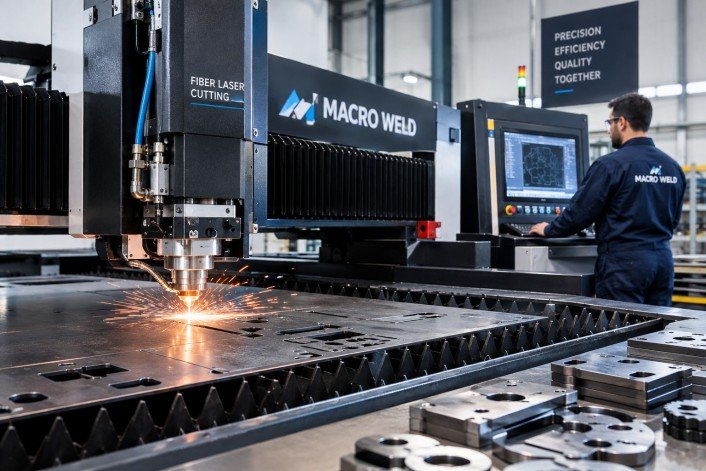
In the industrial sector, precision and efficiency are paramount, especially when it comes to metal fabrication and sheet cutting. Macro Weld Pty Ltd, operating through fiber optic laser cutting machine technology, offers state-of-the-art solutions that demonstrate how fibre optic laser cutting is revolutionising the industry. This article explores the intrinsic benefits of fibre optic laser cutting and why Macro Weld is at the forefront of this technological advancement.
Understanding Fibre Optic Laser Cutting
Fibre optic laser cutting involves the use of a fibre laser to cut metals and other materials with unparalleled accuracy. Unlike traditional cutting methods, fibre optic lasers use light fibres to generate a high-powered laser beam that can precisely slice through materials with minimal waste. This technology leverages the unique properties of fibre optics to produce a highly focused beam that maintains consistency and intensity over long distances.
Superior Precision and Accuracy
The precision achieved by fibre optic laser cutting machines is remarkable. Thanks to the focused laser beam, cuts are made with extreme exactitude, producing smooth edges and intricate shapes without the need for secondary finishing processes. Macro Weld’s laser cutting systems ensure that even the most complex designs are faithfully reproduced, enhancing the quality and consistency of the finished products.
Enhanced Cutting Speed and Efficiency
One of the primary advantages of fibre optic laser cutting is the speed at which the process operates. Compared to conventional cutting techniques, fibre lasers deliver faster cutting times while maintaining superior quality. This rapid processing capability allows businesses to increase throughput and reduce turnaround times, resulting in higher productivity and cost savings.
Material Versatility
Fibre optic laser cutting is compatible with a wide range of materials including various types of steel, aluminium, copper, brass, and other metals. This versatility makes it an ideal choice for industries requiring multi-material processing, such as automotive, aerospace, and construction sectors. Macro Weld supplies equipment that accommodates diverse material requirements, providing clients with flexible solutions for their production needs.
Reduced Operational Costs
The operational costs associated with fibre optic laser cutting are notably lower than other laser types. Since fibre lasers have high electrical efficiency, they consume less power and require minimal maintenance. Additionally, the long service life of fibre optic sources reduces downtime and replacement expenses. Macro Weld’s solutions help clients achieve lower total cost of ownership through energy efficiency and reliable system performance.
Environmentally Friendly Technology
The fibre optic laser cutting process is inherently clean, generating less waste and reducing the need for consumables such as cutting gases and abrasive materials. This environmentally friendly characteristic aligns with sustainable manufacturing practices. Macro Weld promotes green technology by offering machinery that minimises environmental impact while maximising operational efficiency.
Consistent Quality with Automation
Integrating automation in fibre optic laser cutting ensures repeatability and consistency across large production runs. Macro Weld’s equipment includes advanced CNC controls which facilitate automated cutting processes, reducing human error and increasing output reliability. Automated fibre optic laser cutting systems enable manufacturers to meet stringent quality standards reliably.
Improved Safety Features
Fibre optic laser cutters are designed with numerous built-in safety features to protect operators. Enclosed systems with interlocks and emergency stops help prevent accidents related to laser exposure or mechanical components. Macro Weld prioritises operator safety through robust machine designs and comprehensive training support.
Applications of Fibre Optic Laser Cutting
Due to its precision and versatility, fibre optic laser cutting is widely used in automotive component manufacturing, electronics, medical device fabrication, architectural metalwork, and tool making. Macro Weld’s machines support these varied applications by offering customised laser cutting solutions tailored to specific industry demands.
Technological Advancements with Macro Weld
Macro Weld continually invests in research and development to enhance the capabilities of fibre optic laser cutting machines. Their focus on integrating the latest laser technology with user-friendly interfaces and robust construction ensures clients receive advanced tools that improve production quality and efficiency. Through Macro Weld, businesses gain access to cutting-edge fibre optic laser technology backed by expert service and technical support.
Conclusion
Fibre optic laser cutting represents a significant leap forward in precision manufacturing. With benefits including unparalleled accuracy, speed, material versatility, cost-effectiveness, and sustainability, it is clear why this technology is transforming fabrication processes. Macro Weld Pty Ltd stands as a leader in supplying and supporting fibre optic laser cutting machines that empower businesses to elevate their production standards. Investing in fibre optic laser cutting technology via Macro Weld is therefore a strategic decision that fosters innovation and competitive advantage in numerous industrial sectors.
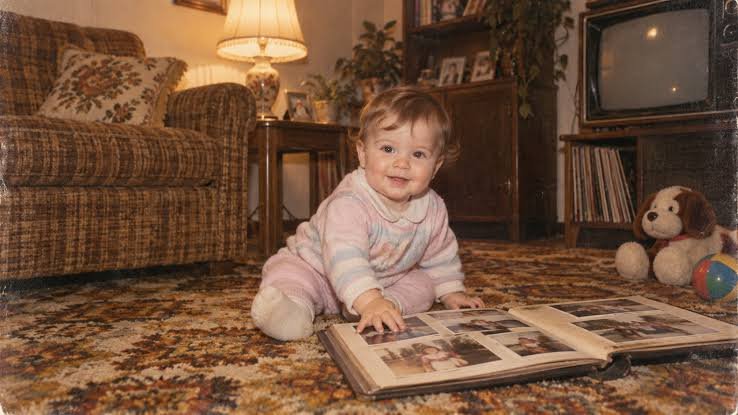
Parents planning a retro birthday theme or setting up a custom holiday card for their children often face an immediate bottleneck. Booking a specialized studio session for vintage-styled artistic portraits sounds ideal on paper, but the reality involves rigid scheduling, high costs, and stressed toddlers forced into unfamiliar costumes under heavy lights. When traditional methods fail, turning to a reliable 80s photo generator offers an effortless alternative. When final studio proofs arrive weeks later, the photos frequently look stiff and overly staged, whereas an AI 80s photo generator captures the warm, candid nostalgia parents originally envisioned.
The underlying conflict is not a lack of creative vision, but the operational friction of traditional portrait photography. Achieving the iconic aesthetic of the 1980s—soft film blur, vibrant laser backdrops, side-swept hair volume, and direct flash highlights—does not require dragging a four-year-old into a commercial studio. Modern generative AI workflows powered by a dedicated 80s photo generator have fundamentally shifted how artistic portraits are produced. By using a specialized 80s photo generator, parents can convert ordinary candid smartphone shots into high-fidelity vintage artistic portraits while preserving their child’s genuine expressions.
The Myth That Retro 80s Photo Generator Portraits Require Professional Studios
A widespread belief among parents is that stylized vintage photography requires high-end camera gear, physical props, and professional studio lighting setups. Many assume that recreating authentic 1980s studio portraits demands period-accurate velvet blazers, physical neon backdrops, and analog medium-format film backends instead of using an intuitive 80s photo generator. This assumption leads families to spend hundreds of dollars on specialized photography packages, only to end up with constrained, unnatural photos that an 80s photo generator could generate seamlessly at home.
The reality is that traditional studio setups excel at static lighting control, but struggle with the spontaneous nature of childhood. Recreating 1980s aesthetic elements physically—such as double-exposure laser grids or specialized film grain filters—requires complex analog post-processing or retro studio sets that few modern commercial studios maintain, whereas an 80s photo generator handles these effects automatically. Attempting to replicate these vintage looks physically often yields inconsistent results, while an online 80s photo generator ensures true-to-era texture and lighting every single time.
Instead of relying on physical set construction, an advanced 80s photo generator shifts the styling process into a digital diffusion pipeline. Rather than forcing a child to stand still in front of a synthetic background, AI-powered generation accepts a quick, unposed candid snapshot taken at home. The model analyzes the underlying facial geometry, preserving identity features while re-synthesizing clothing textures, hair volume, ambient studio lighting, and vintage color science in a single workflow.
Using an 80s photo generator eliminates the physical setup constraints that previously restricted vintage artistic portraits to high-end photography studios. Parents gain complete creative control over aesthetic themes—ranging from classic yearbook portraits to synthwave arcade styles—without subjecting their child to a high-stress studio setting.
Why Traditional Studio Shoots Fail to Capture Natural Childhood Expressions
Traditional photography studios operate on structured time blocks and controlled physical environments. For adult portraits, this environment works reasonably well. However, when applied to young children, the mechanical nature of a studio shoot directly undermines image quality.
| Studio Factors | Traditional Physical Shoot | AI-Driven Vintage Generation |
| Child Comfort | High stress under hot lights and rigid poses | Zero stress; uses comfortable home candid photos |
| Posing Flexibility | Limited to static studio props and seated marks | Infinite variation built from natural facial expressions |
| Aesthetic Texture | Modern digital sharpness mixed with artificial props | Authentic 1980s film grain, direct flash, and soft lens glow |
| Turnaround Time | 2 to 3 weeks for studio proofing and retouching | Real-time generation in seconds per variation |
The core failure mechanism of traditional studio photography lies in environmental pressure, which is why parents increasingly rely on an 80s photo generator instead. Hot studio strobe flashes, giant softboxes, and unfamiliar photographers create sensory overload for toddlers and young children. When forced to sit on a prop box and hold a fake smile for twenty minutes, children naturally contract their facial muscles, resulting in forced smiles, tense shoulders, and uncomfortable body language.
Furthermore, traditional photographers must constantly adjust camera focus and lighting strobes, missing the fleeting split-second expressions that reveal a child’s true personality. Attempting to apply complex retro styling—such as heavy 80s hair or structured shoulder pads—on an uncomfortable child further increases distress, whereas an 80s photo generator easily adds these period stylings digitally. The resulting physical portraits may technically feature retro elements, but they lack warmth, whereas an 80s photo generator preserves genuine emotional warmth and authenticity.
In contrast, an 80s photo generator decouples expression capture from aesthetic transformation. Parents can capture a quiet moment when their child is laughing naturally in their living room. Using a modern 80s photo generator, the AI model extracts this authentic emotional energy, applying period-specific lighting, analog film grain, and vintage apparel around the child’s true facial expression.
Real-World Limitations: When Static Posing Meets 80s Aesthetic Requirements
Achieving an authentic 1980s photographic look involves specific optical characteristics that are difficult to reproduce using standard modern DSLR or mirrorless cameras without an 80s photo generator. During the 1980s, portrait studios relied on specific film stocks like Kodak Gold or Fuji Color, paired with direct tungsten flash photography, soft-focus diffusion filters, and physical painted canvases.
When parents attempt to fix modern digital photos with standard filters or color LUTs instead of an 80s photo generator, the results fall short. Basic filters merely apply a superficial color tint over flat modern images without modifying structural depth, optical bloom, or period clothing textures that an 80s photo generator constructs effortlessly.
An 80s photo generator resolves these specific optical limitations through generative reconstruction rather than superficial filtering. Rather than applying a top-layer mask, the underlying model rebuilds the scene in latent space—synthesizing authentic direct-flash highlights, soft diffusion glow, and era-correct studio textures while keeping the child’s core facial identity completely intact.
The Efficiency of an 80s Photo Generator for Artistic Results
The true value of an 80s photo generator is not merely generating a novelty image; it is establishing a fast, reliable workflow for producing high-quality vintage artistic portraits across multiple media formats. Whether parents need a high-resolution print for a framed nursery canvas, a tailored image for a family holiday card, or digital assets for an online memory book, a dedicated 80s photo generator streamlines production.
Using platforms like Pikvee, parents can instantly test multiple vintage visual directions without booking separate photography packages. An effective 80s photo generator handles identity preservation automatically via specialized latent adapters, ensuring the child’s face does not warp or morph during style transfer while delivering authentic 80s photo generator output quality.
Consider a practical comparison of production workflows for a children’s retro photo album:
[Traditional Studio Workflow]
Schedule Appointment -> Travel to Studio -> Child Costume Changes -> Forced Posing Session -> 14-Day Wait -> Single Fixed Style
[Pikvee AI Generation Workflow]
Snap Casual Home Photo -> Upload to Pikvee -> Select 80s Style Preset -> Render Variations -> Instant High-Res Export
By switching to a digital-first approach, parents can explore diverse 1980s sub-genres in seconds. A single reference photo can yield a formal 1985 mall studio portrait, a neon disco theme, or a cozy 80s home family snapshot. Pikvee processes these variations while retaining fine facial detail, providing consistent identity matching across an entire collection of artistic portraits.
To maintain strict visual quality, parents can address occasional AI rendering artifacts—such as minor edge softening or background inconsistencies—by generating multiple iterations in Pikvee or making minor parameter adjustments. Running a quick multi-prompt batch allows families to select the cleanest render while preserving complete character consistency.
This efficiency allows parents to generate full photo series for special occasions—such as milestone birthdays or annual holiday cards—at a fraction of traditional photography costs, without sacrificing visual fidelity or rigor.
Practical Rules for Creating Authentic Children’s Portraits with Pikvee
To achieve optimal results when generating vintage children’s artistic portraits using an 80s photo generator, parents should follow a structured input and evaluation checklist. High-quality AI generation with an 80s photo generator depends on providing clear reference images and understanding how style modifiers interact with facial preservation models.
Follow these practical guidelines when using Pikvee for vintage portrait generation:
1. Source Image Selection Criteria
- Lighting: Choose a snapshot taken under bright, ambient natural light. Avoid images with severe side shadows or deep under-eye cast lighting.
- Angle: Use eye-level camera angles. Extreme high-angle or low-angle shots can distort facial proportions during 80s style rendering.
- Facial Expression: Select photos with relaxed, candid expressions. Closed-mouth smiles or natural laughs render more authentically than forced open-mouth poses.
- Obstructions: Ensure the face is free from obstructions like pacifiers, large sunglasses, or hands covering the chin.
2. Style Prompt and Preset Optimization
When configuring your generation parameters in Pikvee, structure your style hints to balance retro aesthetics with facial realism. Use concrete visual descriptors rather than generic terms.
[Recommended Style Parameters]
Subject: Young child portrait, authentic identity preservation
Setting: 1980s vintage photo studio, laser grid background, soft blue studio backlighting
Apparel: Denim jacket, retro striped collar shirt, 80s haircut styling
Lighting: Vintage direct flash, subtle lens flare, soft focus diffusion
Texture: Kodachrome film grain, warm tone shift, 1985 portrait aesthetic
3. Post-Generation Audit Checklist
Before exporting portraits for physical printing or social sharing, review the output against key visual criteria:
- Facial Identity Check: Compare pupil shape, nose structure, and smile lines against the original snapshot to ensure natural recognition.
- Proportions: Verify that shoulder width and clothing scale match the child’s age group without unnatural exaggeration.
- Grain and Texture Balance: Ensure the vintage film noise and laser backdrop blend smoothly into the hair edges without blurring facial details. If edges appear blurry, running a second generation with a lower denoising strength parameter often clarifies the detail.
- Color Accuracy: Check that skin tones retain natural warmth under the simulated 80s studio flash lighting.
By substituting rigid physical studio shoots with an advanced 80s photo generator like Pikvee, parents can easily turn casual childhood moments into timeless vintage artistic portraits. Choosing a versatile 80s photo generator eliminates the stress of traditional photo sessions, offering a flexible, cost-effective way to preserve cherished childhood memories with authentic retro style.
Technology
AI-Generated Nano Banana 2.1 Visuals: What Shopify Beauty Ecommerce Brands Should Check Before Publishing


Launching a skincare collection on Shopify under tight marketing deadlines often tempts creative teams to rush generative assets straight from prompt outputs to live product detail pages. When an autumn serum launch is forty-eight hours away, producing lifestyle scenes on demand feels like a massive relief compared to booking studio shoots and hiring retouchers. Yet in cosmetics merchandising, photorealism is not an aesthetic bonus—it is the baseline of consumer trust. A shopper scrutinizing an amber dropper bottle will abandon checkout the moment a glass reflection bends unnaturally, an active ingredient label turns into illegible glyphs, or a model’s cheek exhibits the plastic, airbrushed sheen typical of uncurated machine outputs. The fundamental trap in nano banana 2.1 generative workflows is confusing rendering speed with production viability; an asset that looks stunning at a thumbnail glance can easily destroy brand credibility once zoomed on a high-resolution mobile display.
Deploying newer generative engines like nano banana 2.1 provides digital merchandisers with remarkable control over lighting and multi-reference fidelity, but tool precision cannot replace editorial judgment. Beauty buyers assess product safety, texture feel, and ingredient efficacy through visual cues alone. If your Shopify store presents synthetic artifacts as commercial reality, return rates and ad acquisition costs rise immediately. Establishing an uncompromising visual gatekeeping protocol ensures your creative department leverages nano banana 2.1 capabilities without eroding customer confidence.
The Core Quality Standard for Nano Banana 2.1 in Beauty Ecommerce
The commercial threshold for visual content in beauty ecommerce differs fundamentally from apparel or home goods. In fashion, minor drape variations or ambient styling liberties rarely trigger doubts about fabric authenticity. In prestige skincare, however, visual artifacts immediately signal counterfeit goods or deceptive advertising. When configuring production pipelines with nano banana 2.1, visual teams must evaluate output assets against three foundational parameters: material truth, functional plausibility, and consumer expectation.
Material truth requires that packaging substances rendered in nano banana 2.1 behave according to real-world physics. Amber glass must refract light with appropriate density; frosted acrylic jars must diffuse backlight rather than creating metallic glares; and cosmetic liquids must exhibit realistic viscosity. When rendering an anti-aging cream, the emulsion surface inside an open jar must display authentic surface tension rather than generic digital gloss. Functional plausibility demands that primary packaging elements generated by nano banana 2.1—dropper bulbs, airless pump nozzles, dropper pipettes, and cap threading—show precise industrial logic. If a pump dispenser lacks a realistic dispensing seam or sits off-center on the bottle neck, discerning skincare shoppers sense an amateur presentation.
Teams integrating nano banana 2.1 via Defapi into automated asset pipelines frequently discover that while the underlying Gemini 3.6 Flash multimodal engine handles text and scene composition with high fidelity, visual standards must be codified programmatically. Rather than measuring nano banana 2.1 success by subjective artistic flair, beauty brands must define visual quality as the absence of friction between what the shopper sees on a Shopify collection page and what arrives inside the unboxing package.
Non-Negotiable Visual Elements in Skincare and Cosmetics Assets
To prevent costly post-launch rollbacks when evaluating nano banana 2.1 renders, creative directors must separate minor stylistic nuances from catastrophic failure modes. The following three visual elements are strictly non-negotiable across every digital touchpoint:
- Packaging Geometry and Component Integrity: In any nano banana 2.1 render, cylindrical bottles must not taper irregularly, pump collars must align flush with container shoulders, and dropper pipettes immersed in liquid must demonstrate proper optical index refraction. Any asset showing skewed cap seams or melted nozzle tips must be rejected instantly.
- Primary Label Readability and Typographic Fidelity: The primary display panel (PDP) of a cosmetic container in nano banana 2.1 assets is legally regulated and emotionally reassuring. Active ingredient names (such as “2% Hyaluronic Acid” or “Niacinamide Serum”), volumetric callouts, and brand wordmarks must remain crisp and perfectly planar to the container contour. Synthetic smudging across typography in nano banana 2.1 visuals destroys customer confidence faster than poor background staging.
- Organic Skin Topography and Authentic Texture: Beauty shoppers reject images where human skin generated by nano banana 2.1 appears completely poreless, rubberized, or airbrushed into a uniform tonal blur. Natural skin contains fine micro-creases, subtle vascular undertones, and microscopic follicle details. If an asset displays waxy highlights on cheekbones or blurred jawlines, it violates commercial standards.
| Quality Inspection Parameter | Commercial Non-Negotiable Standard | Critical Failure Trigger |
| Container Structural Geometry | Precise 90-degree base alignments, symmetrical neck rings, uniform wall thickness | Warped glass walls, asymmetrical dispenser nozzles, melted pump collars |
| Typography and Label Architecture | Legible formulation names, sharp typography alignment, accurate tracking | Warped letterforms, gibberish characters, curved text breaking container perspective |
| Model Facial & Cuticular Anatomy | Authentic epidermal grain, natural follicular pores, distinct nail margins | Plasticized skin finish, merged finger joints, hyper-glossy artificial highlights |
| Liquid & Emulsion Mechanics | Correct meniscus curve, authentic opacity, realistic surface refraction | Floating fluid droplets, cloudiness in clear solutions, disconnected dropper drops |
When generating seasonal variations, teams operating nano banana 2.1 must prioritize these non-negotiables over background atmosphere. A gorgeous Parisian marble bathroom scene means nothing if the bottle label resting on the vanity is blurred or warped.
Acceptable Production Trade-Offs for Fast Creative Iteration
While product containers and human textures demand absolute fidelity in nano banana 2.1 outputs, insisting on absolute perfection across secondary scene elements paralyzes creative velocity. Merchandising teams producing dozens of localized ad variations or seasonal promotional headers with nano banana 2.1 must identify where artistic trade-offs are safe and commercially harmless.
Background foliage, atmospheric depth, and auxiliary lifestyle props do not represent your commercial offer in nano banana 2.1 lifestyle scenes. If an autumn botanicals campaign features slightly stylized eucalyptus leaves or abstract marble vein patterns in soft focus, these simplifications do not undermine the authenticity of the featured moisturizer. In lifestyle compositions rendered via nano banana 2.1, shallow depth of field (bokeh) is an effective tool: blurring background bathroom tiles or morning window sunlight directs customer attention toward the sharp, uncompromised product packaging.
Similarly, secondary lighting reflections on peripheral background mirrors or non-branded vanity trays can carry minor generative stylizations without consequence. When running high-throughput creative tests via Defapi developer endpoints, beauty operators can tolerate mild abstraction in ambient environmental textures while enforcing strict mask-based preservation on the product bottle itself. Nano banana 2.1 supports up to fourteen multi-reference inputs, enabling teams to lock primary SKU dimensions while letting background environments flex dynamically across spring, summer, and holiday merchandising themes.
A Practical Verification Routine Before Publishing to Shopify
Before pushing newly generated visual assets from nano banana 2.1 into a live Shopify theme, performance teams should apply a structured four-step inspection routine:
[Master Render Output]
│
▼
[Step 1: 400% Zoom Typography & Seam Audit] ──► Failed ──► Mask-Edit / Reject
│
Passed
▼
[Step 2: Pantone & Formula Color Calibration] ──► Failed ──► Color-Grade / Re-prompt
│
Passed
▼
[Step 3: Multi-Device Contrast & Scale Check] ──► Failed ──► Re-crop / Re-balance
│
Passed
▼
[Step 4: Contextual Channel Cohesion Review] ──► Approved for Storefront Publishing
- Step 1: The 400% Zoom Audit: Open the rendered asset in a calibrated viewer and zoom directly into the typography, pump dispenser nozzle, and cap threading. Confirm that letters remain legible without generative distortion. If the label displays synthetic artifacts, deploy targeted mask editing in nano banana 2.1 to replace only the text region rather than regenerating the entire image.
- Step 2: Pantone and Formula Color Calibration: Skincare brands rely heavily on proprietary pastels, amber tints, and tinted serum hues. Compare the liquid tone rendered by nano banana 2.1 against your physical lab standard. A vitamin C formulation rendered in nano banana 2.1 with excessive neon yellow instead of an authentic pale amber finish misleads shoppers regarding product freshness and oxidation.
- Step 3: Multi-Device Scale and Contrast Check: Inspect the image at standard desktop dimensions (1600px width) and scaled down to a 375px mobile viewport. Ensure high contrast between the product silhouette and the lifestyle backdrop so the container stands out clearly on mobile feeds.
- Step 4: Contextual Placement Alignment: Verify that the asset fits its exact store placement. A hero banner requires negative space for typography overlays, while a square collection card demands centered visual gravity with zero edge cropping on the bottle cap.
Establishing this routine eliminates guesswork and prevents flawed visual experiments from reaching high-intent store visitors.
Building a Multi-Asset Consistency System Across the Catalog
The true test of generative image workflows with nano banana 2.1 is not producing a single heroic product shot, but scaling visual cohesion across twenty distinct SKUs. If your brightening cleanser appears under crisp Scandinavian daylight while the matching night cream looks bathed in warm editorial studio tungsten, your Shopify collection page will appear disjointed and unprofessional.
To build systemic harmony, beauty ecommerce brands must construct unified lighting and perspective templates. Standardize key lighting angles (such as 45-degree top-left key lights with gentle bounce fill) and lock camera elevation across all product listing images. When referencing multiple products in an evening routine bundle, leverage the multi-object coherence features of nano banana 2.1 to guarantee that container scales remain proportional. A 30ml eye cream bottle must never appear larger than a 100ml facial toner sitting beside it on the same digital shelf.
Furthermore, centralized API architecture via Defapi enables marketing teams to automate reference prompt conditioning and asset tagging across seasonal catalogs. By linking your Shopify product taxonomy directly to standardized reference profiles, creative teams can refresh hero visuals across multiple product categories simultaneously without losing brand uniformity. Generative visual production is no longer an experimental novelty for beauty brands; managed under rigorous quality standards and structured review systems, it becomes a dependable engine for commercial growth.

Why Your Headphones Pick Up the Whole Office on Calls

Transform Your Skin with RF Microneedling: Discover the Benefits at Elite Body Contouring

Revolutionizing Precision: The Advantages of Fiber Optic Laser Cutting with Macro Weld

Stunning Spring Carnival Dresses to Elevate Your Style This Season

Top Cricket Equipment Essentials Every School Should Have

Innovative Architects in Sydney: Designing Your Dream Space with Shore Architects

How to Ensure Your Home is Valued Correctly for a Quick Sale
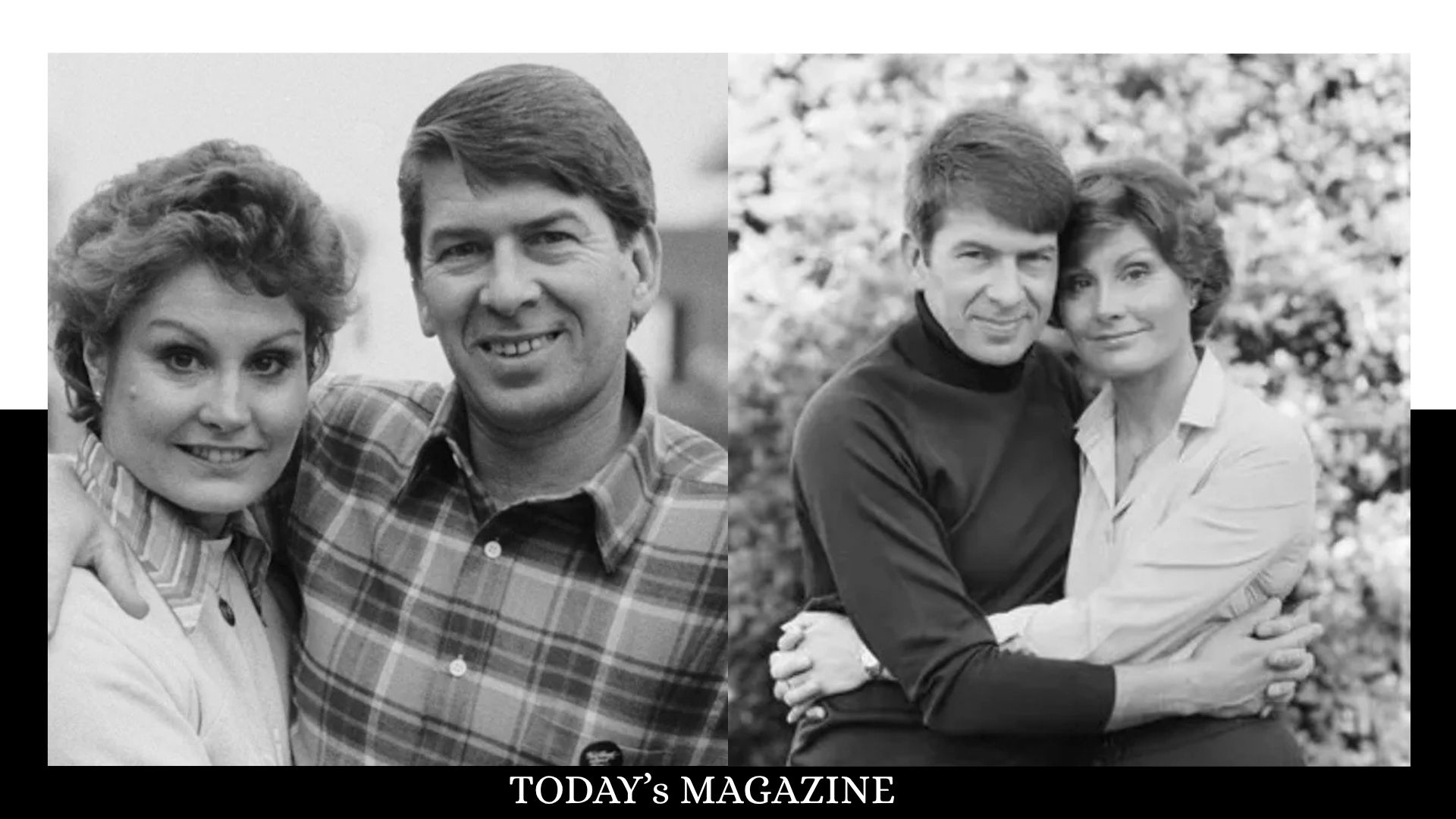
Christopher Dare: The Untold Story of Engineer and Former Husband of Angela Rippon

The 15 Highest-Paid Rugby Players in the World

What Is Fanquer? The Digital Creator Platform Transforming Direct-to-Fan Engagement

Dr Jared Ross: Missouri Appeals Court Upholds Protection Order Over Graphic Torture and Murder Threats
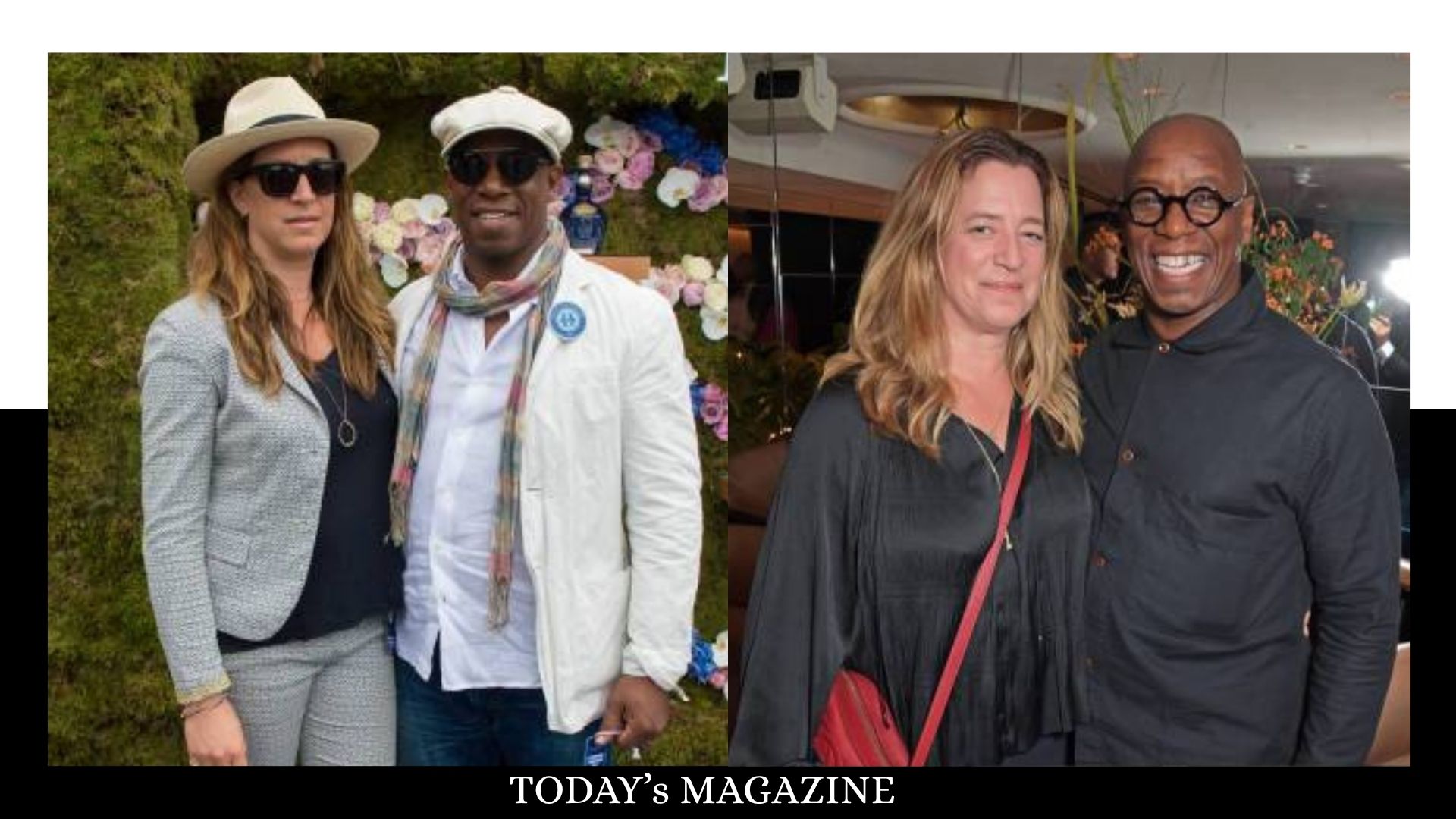
Nancy Hallam: The Inspiring Life, Career, and Success Story Behind Ian Wright’s Wife
How to Ensure Your Home is Valued Correctly for a Quick Sale
Christopher Dare: The Untold Story of Engineer and Former Husband of Angela Rippon
The 15 Highest-Paid Rugby Players in the World
What Is Fanquer? The Digital Creator Platform Transforming Direct-to-Fan Engagement
Dr Jared Ross: Missouri Appeals Court Upholds Protection Order Over Graphic Torture and Murder Threats
Nancy Hallam: The Inspiring Life, Career, and Success Story Behind Ian Wright’s Wife
-
 Real Estate9 months ago
How to Ensure Your Home is Valued Correctly for a Quick Sale
-
Celebrity11 months ago
Christopher Dare: The Untold Story of Engineer and Former Husband of Angela Rippon
-
 Sports5 months ago
The 15 Highest-Paid Rugby Players in the World
-
 Technology5 months ago
What Is Fanquer? The Digital Creator Platform Transforming Direct-to-Fan Engagement
-
 Celebrity5 months ago
Dr Jared Ross: Missouri Appeals Court Upholds Protection Order Over Graphic Torture and Murder Threats
-
Celebrity12 months ago
Nancy Hallam: The Inspiring Life, Career, and Success Story Behind Ian Wright’s Wife
-

 Celebrity8 months ago
Who Is Azriel Crews? Inside the Life and Career of Terry Crews’ Daughter
-
 Celebrity11 months ago
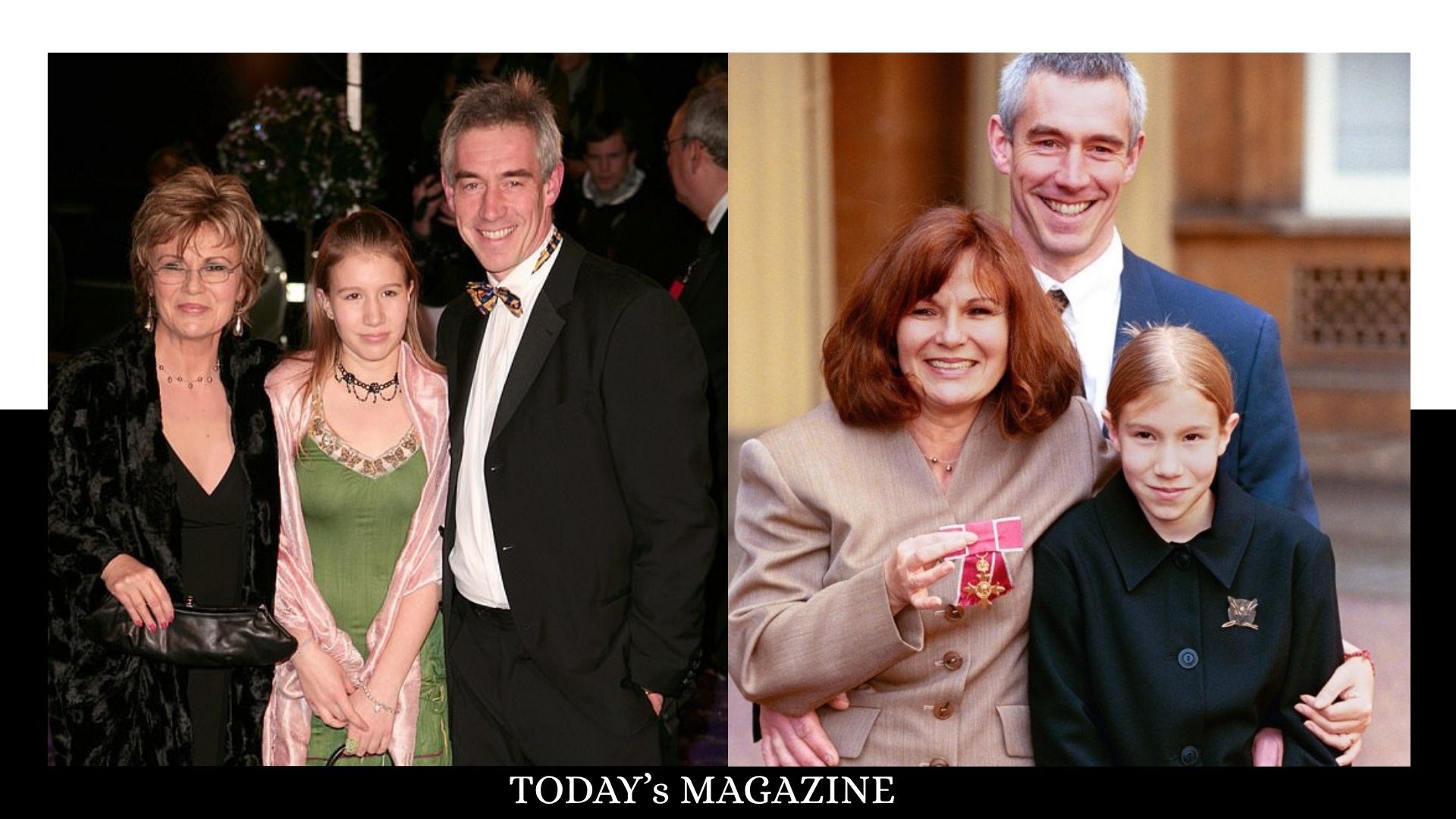
Who Is Maisie Mae Roffey? The Private Life, Family Story, and Quiet Success of Julie Walters’ Daughter